CAD File Formats for CNC Machining: STEP, IGES, STL, DXF and Drawings
2026-06-18
5 Electroplating Defects Analysis: Causes, Diagnosis and Prevention for Metal Parts
2026-09-15
Laser Marking vs Engraving vs Etching: How to Choose for CNC Machined Parts
Laser marking, laser engraving and laser etching are often grouped together, but they are not the same process. The right choice depends on mark depth, readability, wear resistance, material, coating, traceability requirements, cosmetic expectations and whether the mark can affect a sealing or precision surface.
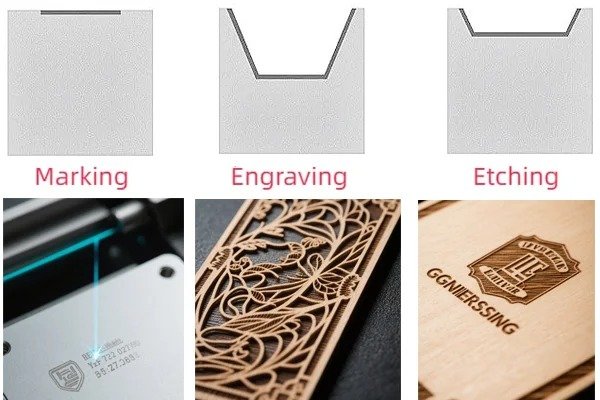
What Is the Difference Between Laser Marking, Engraving and Etching?
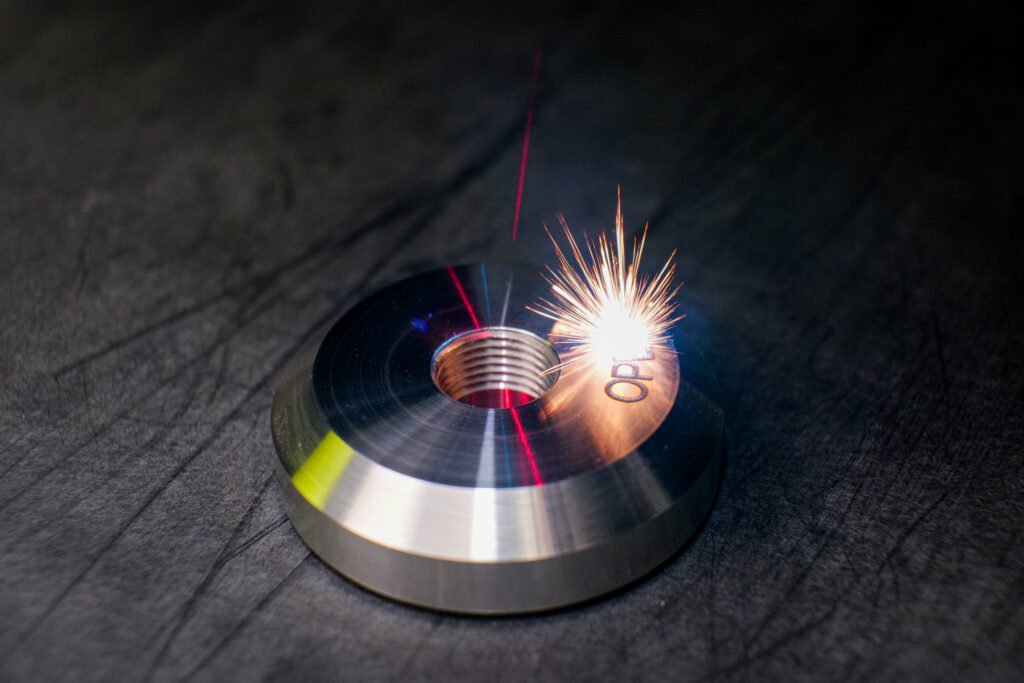
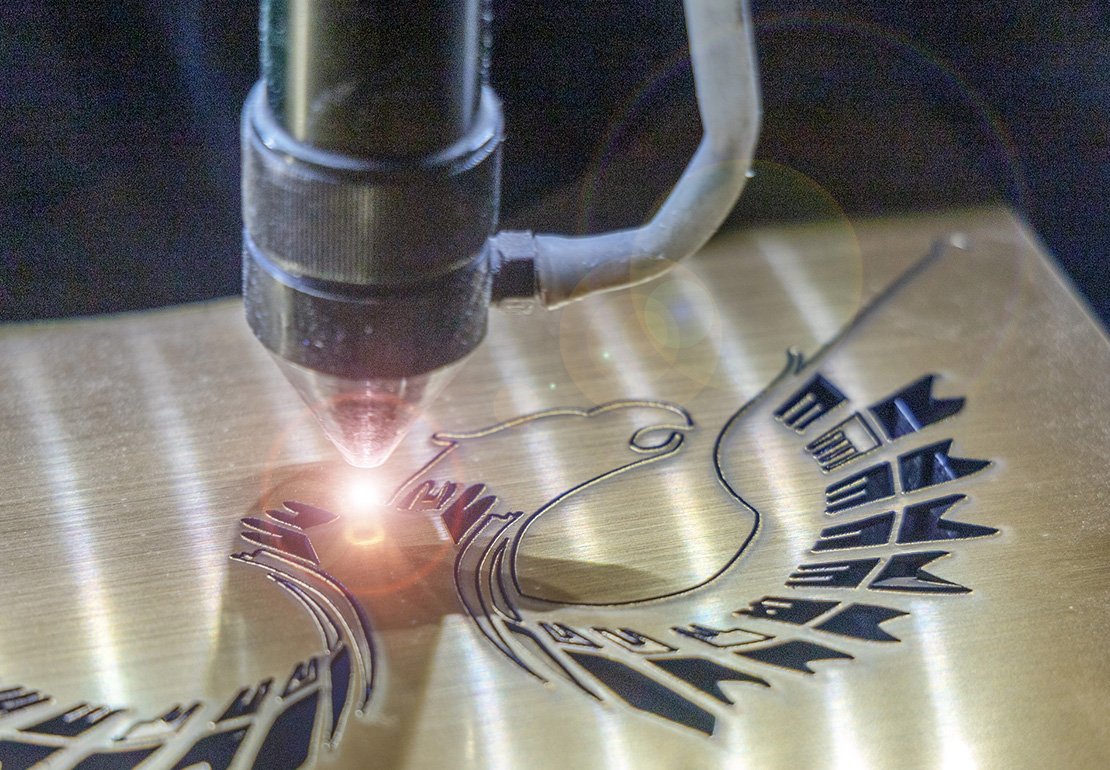
Laser marking changes the surface appearance without removing much material. It can create dark, light or annealed marks by changing color, oxidation or surface chemistry. Laser engraving removes material to create a recessed mark. Laser etching lightly melts or modifies the surface to create a shallow raised or contrasted mark. All three can be useful, but they solve different manufacturing problems.
For CNC machined parts, the choice is usually driven by traceability and durability. A cosmetic logo on anodized aluminum may only need laser marking. A serial number on a steel tool exposed to abrasion may need engraving. A high-contrast data matrix code on stainless steel may use annealing or etching depending on corrosion and cleaning requirements.
Common Applications on Machined Parts
Serial numbers, lot codes, date codes, QR codes and data matrix codes support quality tracking and after-sales service.
Orientation arrows, port labels, part numbers and revision marks help technicians assemble parts correctly.
Logos, certification marks, material grade and safety labels can be added without labels or ink.
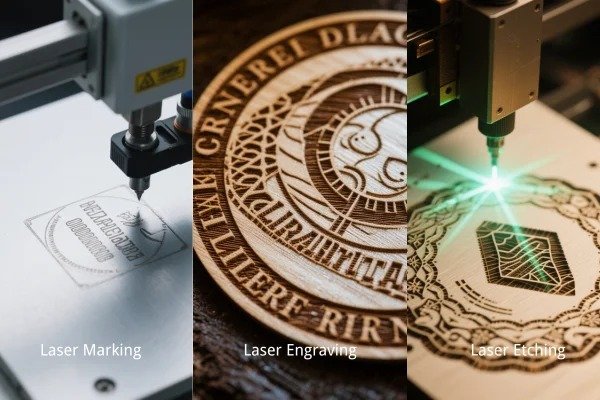
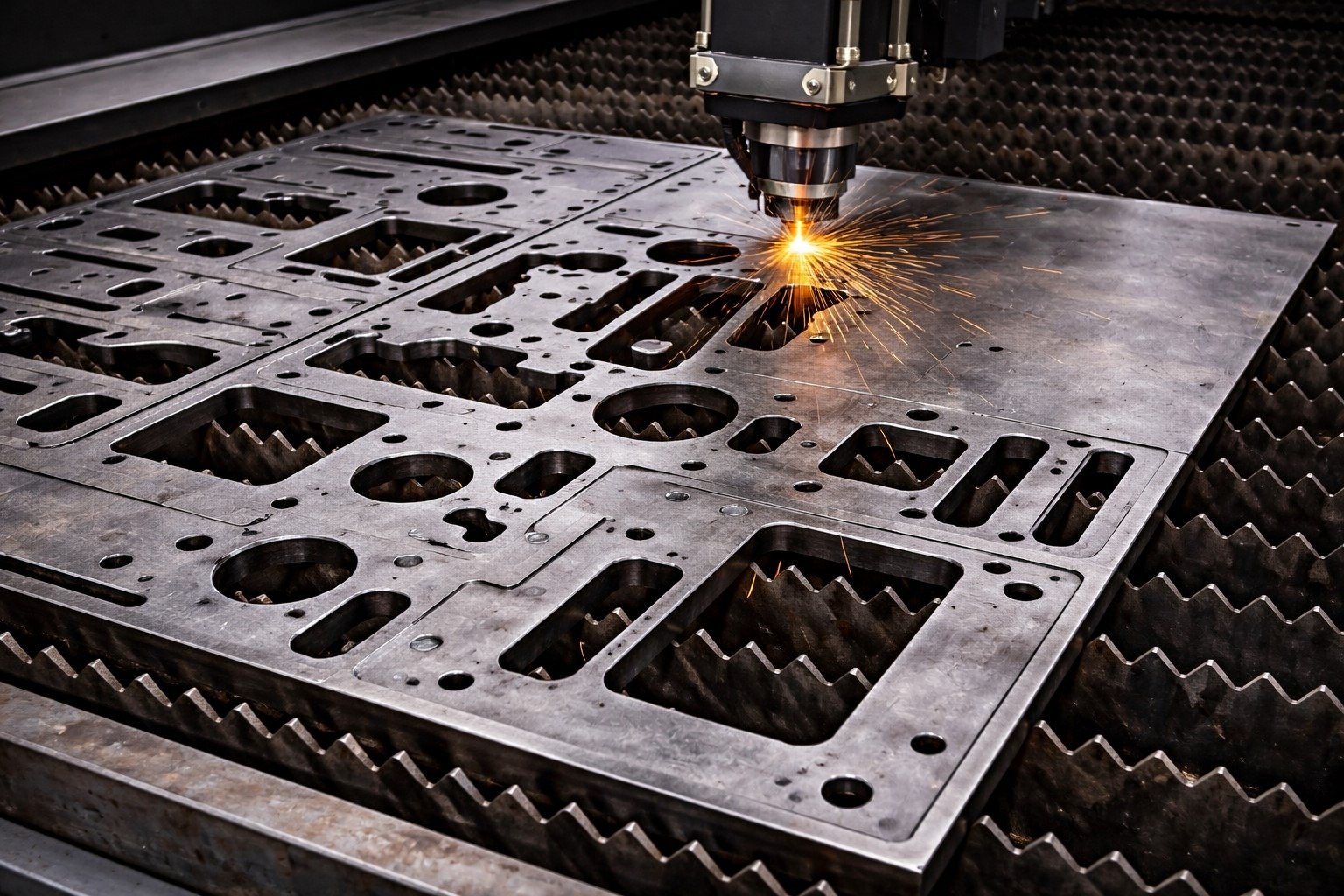
Laser Marking vs Engraving vs Etching Comparison Table
The numbers below are practical planning ranges. Actual depth and contrast depend on laser type, power, speed, pulse frequency, material, surface condition and coating.
| Process | Material removal | Typical depth | Speed | Durability | Best use |
|---|---|---|---|---|---|
| Laser marking | Very little or none | Usually surface-level to a few microns | Fast | Good when protected from heavy abrasion | Logos, serial numbers, QR codes, anodized aluminum marks, annealed stainless marks |
| Laser engraving | Yes, removes material | Often 0.02-0.50 mm; deeper possible with multiple passes | Slower | Excellent because mark is recessed | Wear-exposed identification, tools, molds, fixtures, safety labels and long-life part numbers |
| Laser etching | Very shallow surface melting or removal | Often 0.001-0.025 mm | Very fast | Moderate to good | High-speed codes, nameplates, coated metals and light industrial identification |
| Chemical etching | Controlled chemical removal | Depends on mask and chemistry | Batch process | Good for thin sheets and detailed patterns | Panels, foils, logos, fine patterns and thin metal components |
Laser Marking Parameter Planning Table
| Parameter | Typical effect | When to increase | Risk if too high |
|---|---|---|---|
| Laser power | Controls energy delivered to the surface | Need darker mark, deeper engraving or faster cycle | Burning, wider mark, heat tint, coating damage or burrs |
| Marking speed | Controls exposure time per area | Need higher productivity or lighter mark | Low contrast or incomplete mark |
| Frequency / pulse width | Affects heat input, edge quality and contrast | Need smoother finish, annealing color or controlled engraving | Rough texture, oxidation or inconsistent color |
| Line spacing / hatch | Controls filled area density | Need solid logo, filled code or uniform background | Overheating or slow cycle time |
| Focus position | Affects spot size and energy density | Need crisp small text or stable data matrix code | Blurred edges, shallow mark or uneven contrast |
Material Compatibility Guide
Laser marking performance changes by material and finish. Fiber lasers are commonly used for metals, while CO2 and UV lasers are often used for plastics, glass, rubber and some coated surfaces. For cosmetic or compliance-critical parts, samples should be approved before production.
| Material / finish | Recommended method | Typical result | Design note |
|---|---|---|---|
| Stainless steel | Annealing mark, etching or engraving | Dark high-contrast mark without deep cutting when corrosion matters | Avoid deep engraving on sanitary or corrosion-critical surfaces unless approved |
| Aluminum, bare | Marking, etching or engraving | Light to medium contrast; engraving improves durability | Contrast depends strongly on alloy and surface finish |
| Anodized aluminum | Laser marking | High-contrast white or light mark on colored anodizing | Excellent for panels, housings, logos and serial numbers |
| Carbon steel | Engraving, etching or marking | Durable marks, good contrast after finishing | Consider rust protection after marking if surface is exposed |
| Plated parts | Sample-tested marking or light engraving | May expose base metal or change coating color | Confirm coating thickness and cosmetic acceptance |
| Engineering plastics | CO2, UV or fiber depending resin and additive | Foamed, darkened, lightened or engraved mark | Some plastics burn, melt or produce low contrast without additives |
Durability and Surface Impact Chart
Deeper is not always better. Engraving has strong wear resistance, but it can create edges, stress concentration, burrs or cleaning issues. Marking is gentle and fast, but may not survive heavy abrasion.
How to Specify Laser Marking on a Drawing
A clear drawing note prevents guesswork. The note should define location, orientation, content, size, depth or contrast, permanence requirement and whether the mark must remain readable after coating, passivation, cleaning or assembly.
| Drawing item | Recommended note | Why it matters |
|---|---|---|
| Mark content | Part number, logo, serial number, batch code or QR code | Controls traceability and revision accuracy |
| Location and orientation | Show position with dimensions or a boxed zone | Prevents marks from landing on sealing, bearing or visible A-surfaces |
| Text height | Example: text height 2.0 mm minimum | Ensures readability after finishing and inspection |
| Depth requirement | Example: laser engrave 0.05 mm deep | Defines durability for wear-exposed parts |
| Contrast requirement | Example: black laser mark on natural anodize | Controls cosmetic and scanner readability |
| Data code quality | Example: Data Matrix ECC200, Grade B or better | Important for automated scanning and traceability systems |
Selection Guide for CNC Machined Parts
Choose the purpose
Decide whether the mark is cosmetic, traceability, assembly instruction or safety information.
Check the surface
Confirm material, coating, finish, roughness and whether the mark is before or after finishing.
Set durability
Use marking for clean contrast, etching for shallow industrial marks and engraving for abrasion resistance.
Approve a sample
For logos, QR codes, medical parts or visible surfaces, approve appearance and readability before batch production.
- Do not place deep engraving on thin walls, sealing faces, bearing seats or high-stress corners without review.
- For anodized aluminum, mark after anodizing when a bright contrast mark is required.
- For passivated stainless steel, confirm whether marking should happen before or after passivation.
- For QR codes and data matrix codes, confirm scanner distance, code size and surface reflectivity.
- For coated parts, run marking trials to avoid exposing unwanted base metal.
Which Process Should You Choose?
Choose laser marking when the priority is fast, clean, high-contrast identification with minimal material removal. Choose laser engraving when the mark must survive abrasion, repainting, handling or long service life. Choose laser etching when you need a shallow mark with better speed than engraving and more surface interaction than pure marking.
Milemetal can support CNC machined parts with part numbers, logos, serial numbers, QR codes, material labels, port labels and assembly marks. The best result comes from specifying the marking requirement early, before surface finishing and final inspection planning.
Need Marked CNC Machined Parts?
Send your drawing, CAD file and marking requirement. We can review material, finish, location, depth and readability before production.