
Steel Hardening Guide: Heat Treatment, Case Hardening and Design Tips
2026-06-18
Laser Marking vs Engraving vs Etching: A Practical Guide for CNC Parts
2026-06-19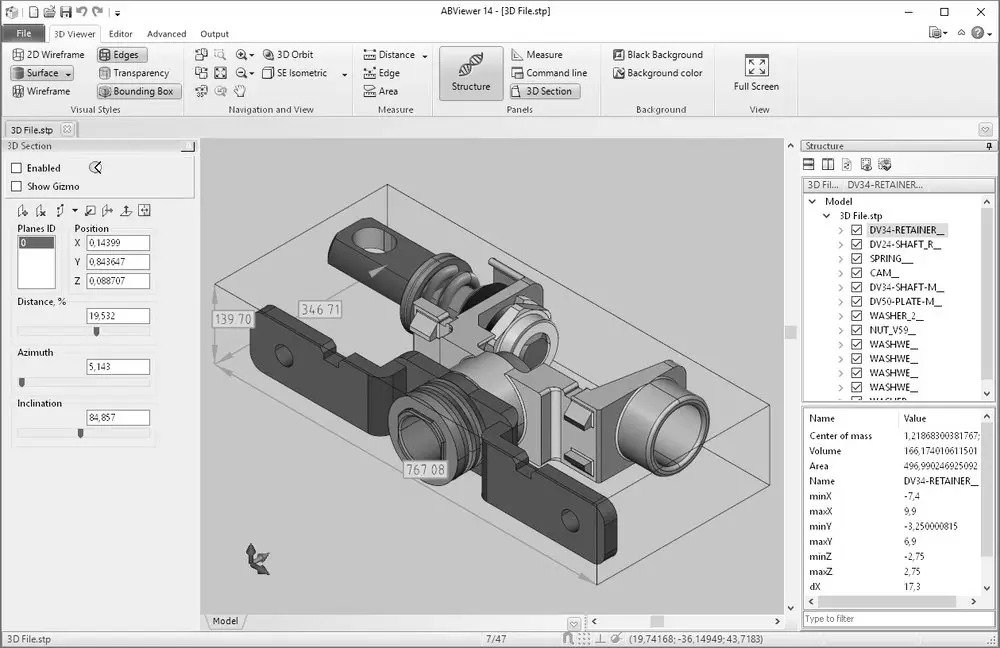
CAD File Formats for CNC Machining: STEP, IGES, STL, DXF, DWG and 2D Drawings
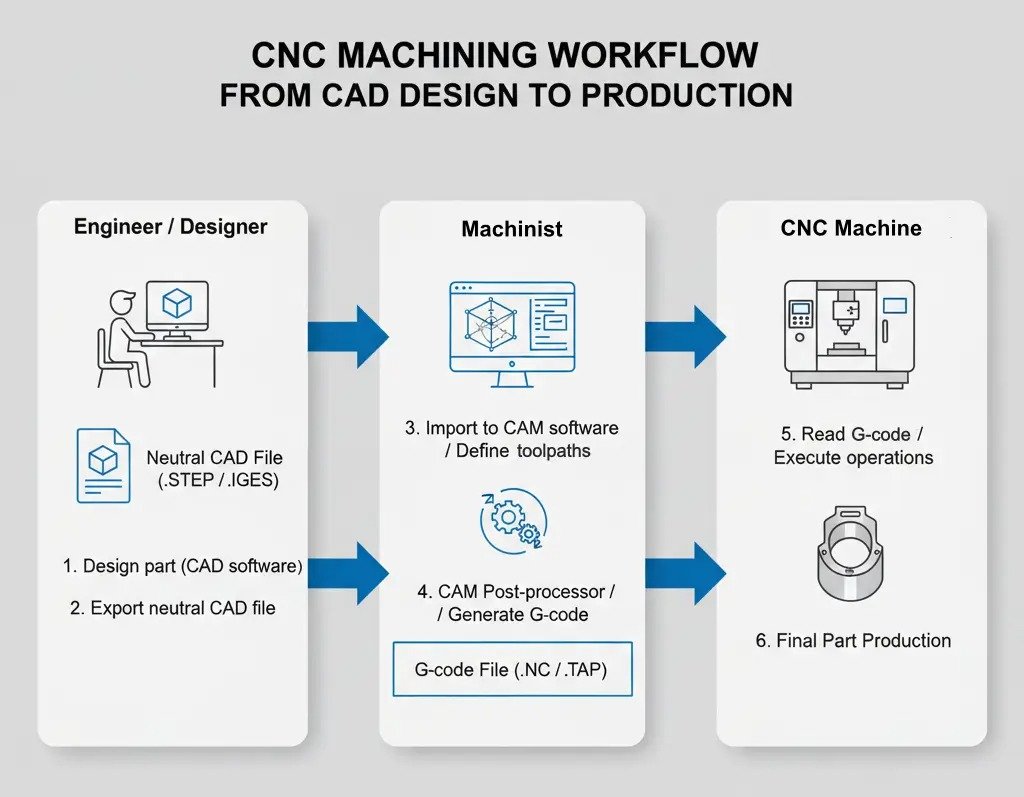
Choosing the right CAD file format makes CNC quoting, CAM programming, inspection and production faster and more reliable. For most precision machined parts, the best package is a clean 3D STEP model plus a 2D PDF drawing that defines tolerances, threads, surface finish, material, heat treatment and inspection requirements.
What Is a CAD File in CNC Machining?
A CAD file is the digital definition of a part or assembly. It may contain 3D solid geometry, surface geometry, 2D profiles, drawings, dimensions, annotations, material information or assembly relationships. CNC manufacturers use CAD data to review manufacturability, prepare quotations, create CAM toolpaths, check material stock, design fixtures and plan inspection.
CAD is not the same as G-code. CAD describes the part. CAM software uses CAD data to generate toolpaths, and the CNC controller runs machine-specific code. A good CAD file reduces interpretation errors because the programmer can work from exact geometry instead of redrawing features from screenshots or incomplete PDFs.
Why File Format Choice Matters
The same part can be represented very differently by STEP, IGES, STL, DXF, DWG, native CAD and PDF files. Some formats preserve solid model intelligence, while others only transfer surfaces, meshes or 2D lines. Choosing the wrong format can create missing faces, wrong units, broken curves, faceted geometry, thread confusion or tolerance omissions.
Solid CAD formats preserve faces, holes, bosses and edges more reliably than mesh or image-based files.
Suppliers can review process, material, stock size and setup time faster when the file opens cleanly.
Missing units, threads, tolerances or revision control can cause production delays or incorrect parts.
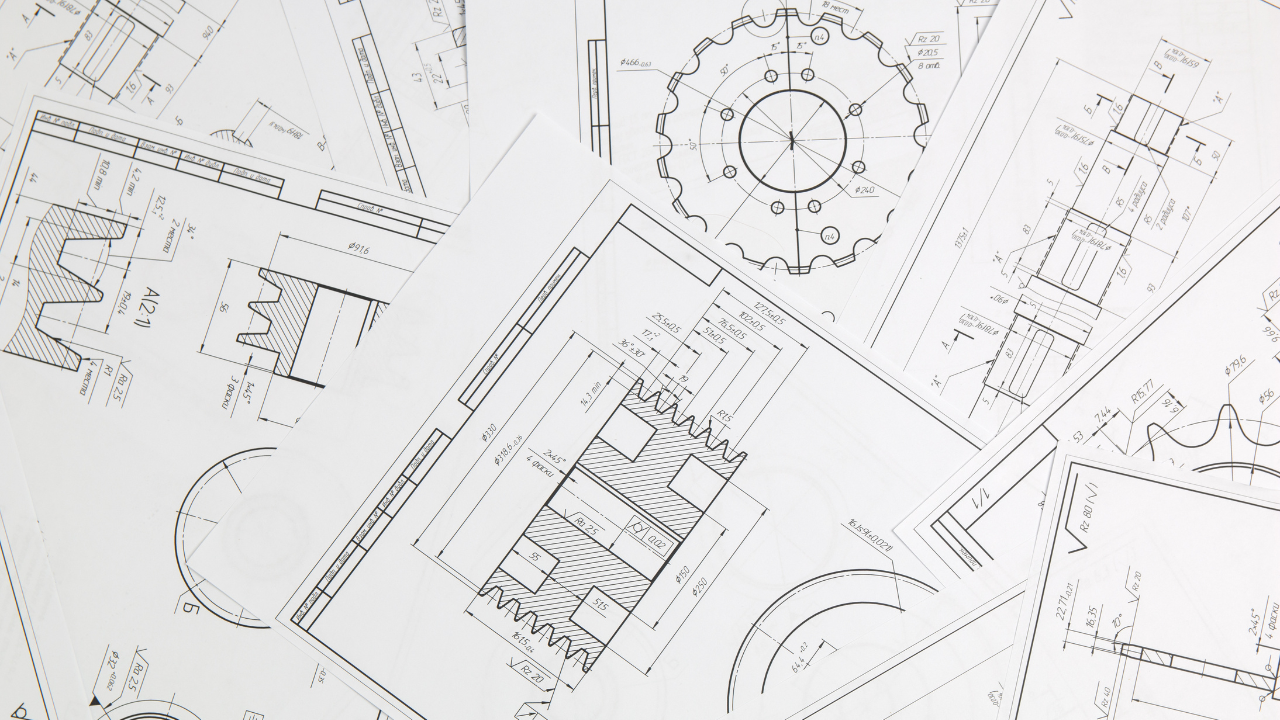
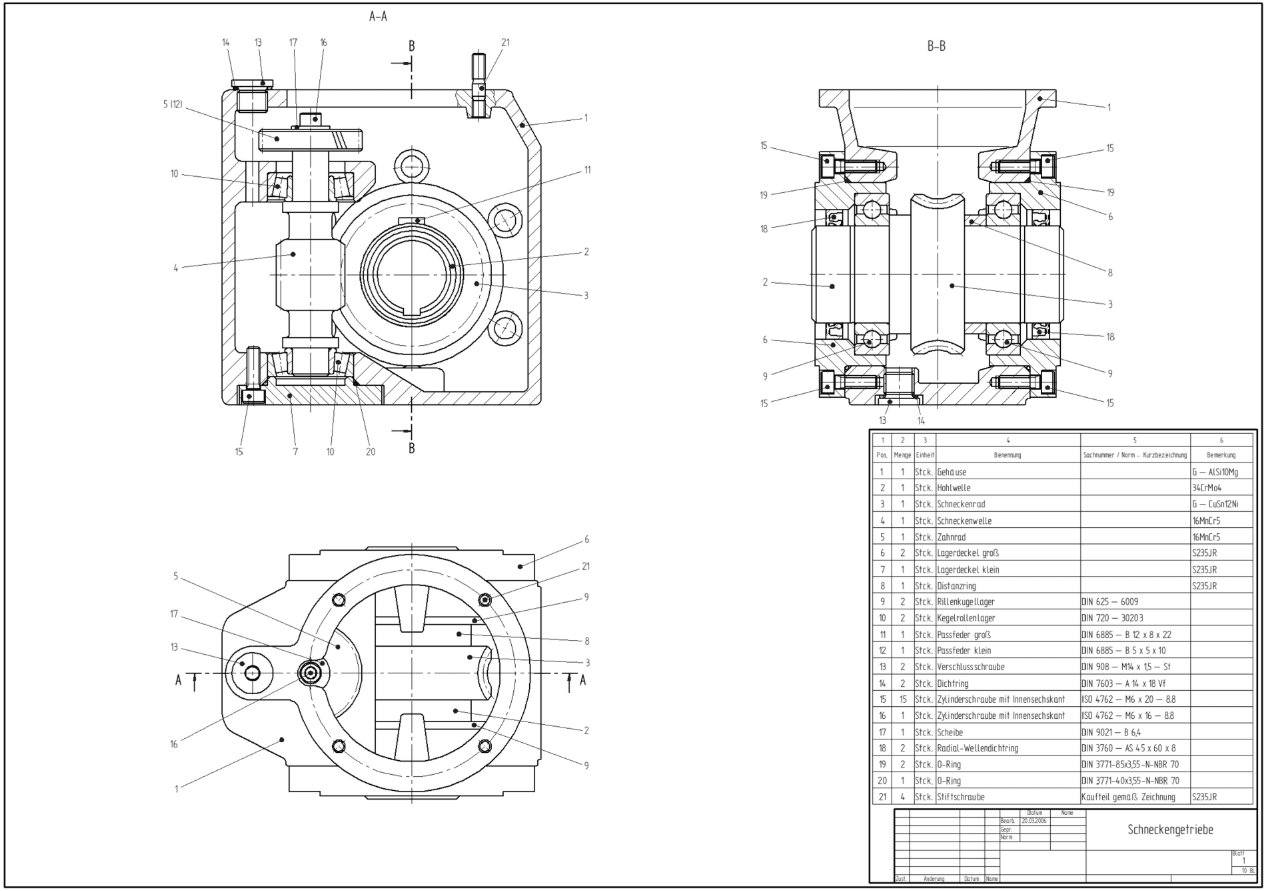
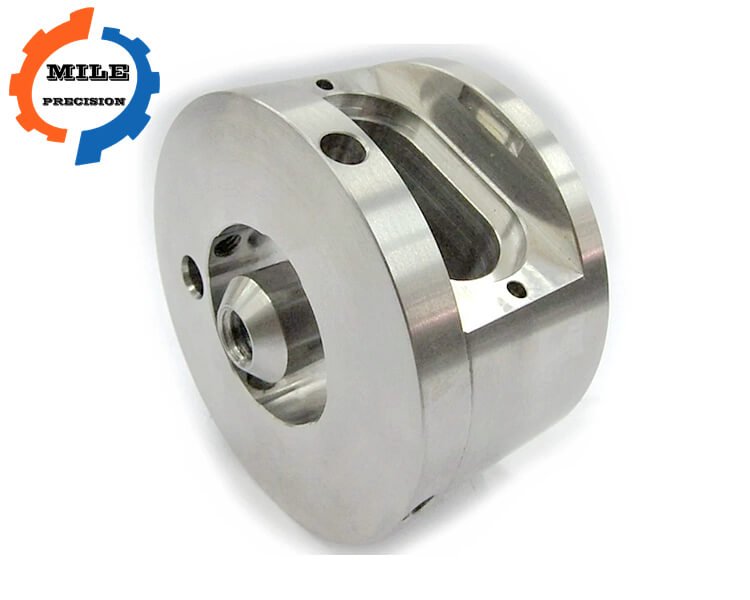
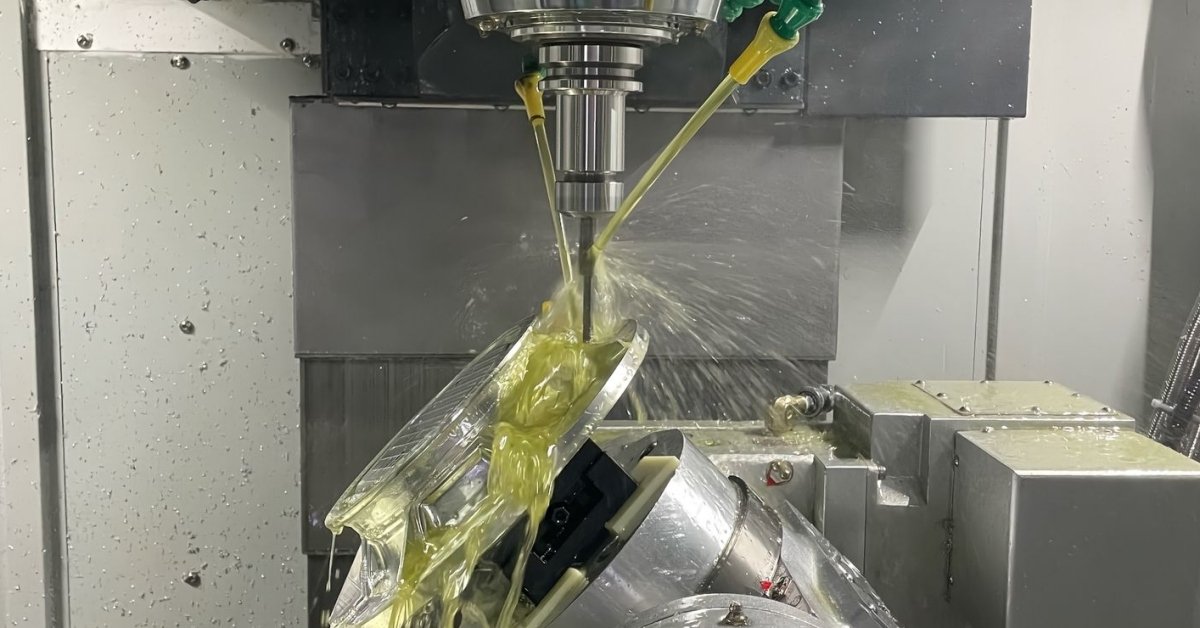
CAD File Formats for CNC Machining Comparison Table
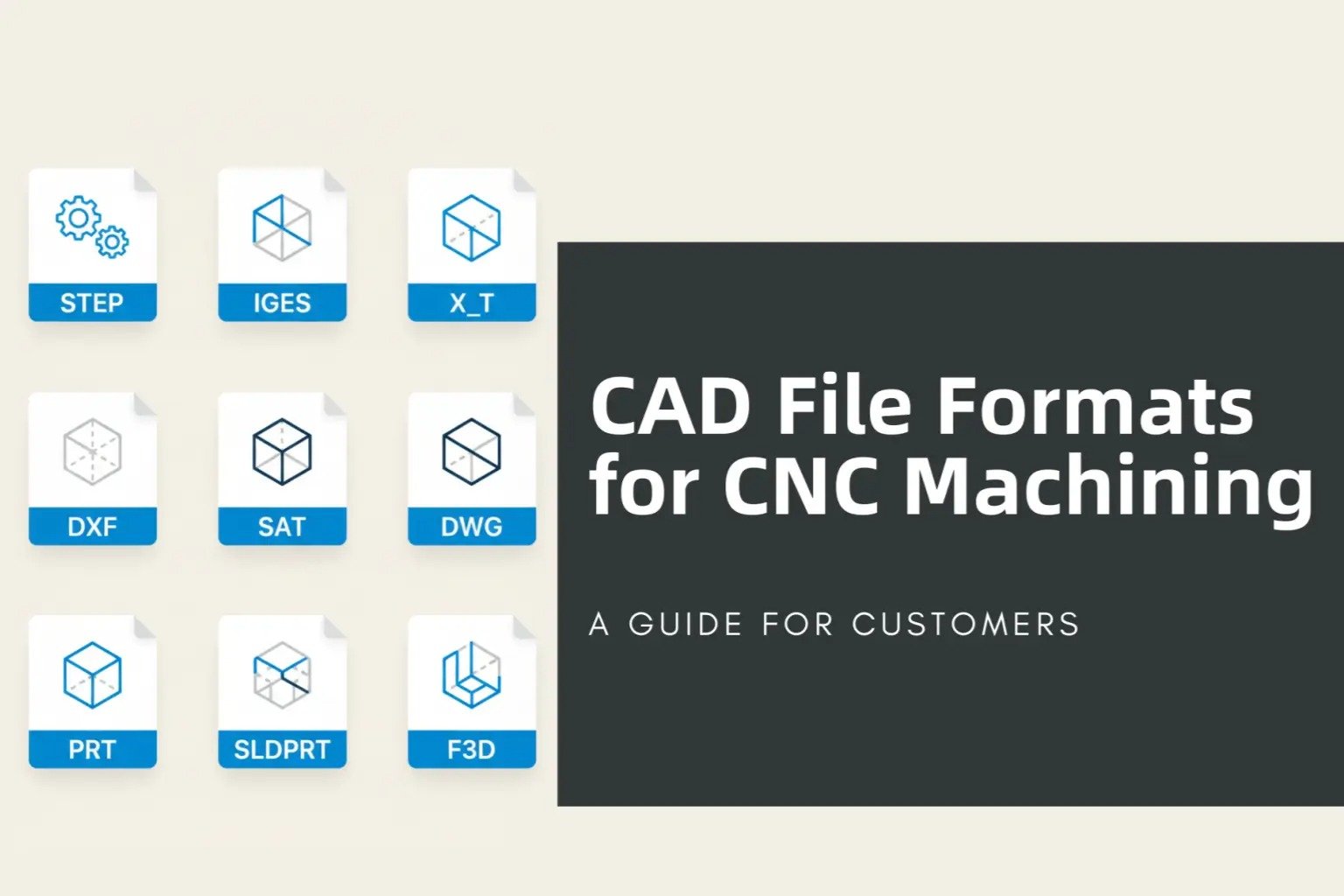
The table below summarizes common CNC file formats and when to use them. Exact requirements can vary by supplier, but STEP plus PDF drawing is accepted by most machining shops.
| Format | Typical extension | Data type | Best use in CNC machining | Limitations |
|---|---|---|---|---|
| STEP | .step, .stp | 3D solid / surface exchange | Primary format for CNC quoting, CAM programming and geometry review | May not carry all native CAD features, constraints or full PMI depending export settings |
| IGES | .igs, .iges | Surface / wireframe exchange | Older exchange format for surfaces and legacy workflows | Can import as disconnected surfaces, requiring repair before CAM |
| Parasolid | .x_t, .x_b | 3D solid kernel format | Useful when the receiving CAD/CAM system supports Parasolid directly | Less universal than STEP for all suppliers |
| Native CAD | .sldprt, .prt, .ipt, .catpart and others | Editable CAD model | Best when supplier uses the same CAD system and needs feature history | Version compatibility and software access can be a problem |
| STL | .stl | Triangular mesh | 3D printing, visual reference, scanning data and some organic shapes | Not ideal for precision CNC because arcs and holes become faceted mesh triangles |
| DXF | .dxf | 2D vector geometry | Laser cutting, waterjet cutting, sheet metal profiles and 2D outlines | Does not define full 3D geometry, thickness, bend rules or tolerances by itself |
| DWG | .dwg | 2D / 3D CAD drawing data | Manufacturing drawings, layouts and 2D CAD documentation | Requires compatible software and may include non-manufacturing layers |
| PDF drawing | Human-readable drawing | Tolerances, threads, material, surface finish, notes, revision and inspection requirements | Usually not enough for CAM unless geometry is simple |
Recommended File Package by Manufacturing Process
| Manufacturing process | Recommended 3D file | Recommended 2D file | Extra information to include |
|---|---|---|---|
| CNC milling | STEP or native CAD | PDF drawing | Material, tolerance, surface finish, threads, coating, heat treatment and critical datums |
| CNC turning | STEP or native CAD | PDF drawing | Diameter tolerances, thread standards, concentricity, runout and surface roughness |
| Sheet metal laser cutting | STEP for formed parts | DXF flat pattern plus PDF drawing | Thickness, material grade, bend radius, grain direction and finish side |
| Waterjet / plasma cutting | STEP if 3D part is needed | DXF profile | Cut edge tolerance, kerf allowance, tab requirements and material thickness |
| 3D printing prototype | STEP for engineering review | STL for printing, PDF if tolerances matter | Orientation, surface finish, thread inserts, post-processing and dimensional targets |
| Assembly quotation | STEP assembly plus individual part files | Assembly drawing, BOM and part drawings | Part numbers, quantities, purchased hardware, finish and packaging requirements |
Why a 2D Drawing Is Still Important
A 3D model defines shape, but it often does not fully define manufacturing intent. CNC suppliers need to know which dimensions are critical, which surfaces need special finish, which holes are threaded, what material condition is required, whether the part needs anodizing or heat treatment, and what inspection standard applies. A 2D drawing protects both buyer and supplier by making acceptance criteria clear.
| Drawing item | Why it matters | Example |
|---|---|---|
| Units and scale | Prevents mm/inch interpretation errors | All dimensions in mm unless otherwise specified |
| General tolerance | Controls non-critical dimensions without marking every feature | ISO 2768-mK, +/-0.10 mm, or company standard |
| Critical tolerance | Controls functional dimensions and assembly interfaces | H7 bore, g6 shaft, true position, flatness, runout |
| Thread callouts | Defines thread type, pitch, depth and tolerance class | M6 x 1.0 – 6H, 12 mm depth |
| Surface finish | Controls sealing, sliding, visible or contact surfaces | Ra 1.6, Ra 0.8, polish, bead blast |
| Material and finish | Defines procurement and post-processing requirements | 6061-T6 anodized black, 4140 Q&T, 304 stainless passivated |
| Revision control | Prevents old files from being manufactured | Rev B, date, change note and approved file package |
Common CAD File Problems That Delay CNC Quotes
Many quotation delays happen because the supplied files contain missing information or conflicting revisions. A supplier may be able to open the model, but still need clarification before accurate machining cost, inspection time and delivery can be confirmed.
- Send STEP files instead of screenshots when the part has 3D machined features.
- Do not use STL as the only CNC machining file for precision bores, threads or curved surfaces.
- Confirm units in both model and drawing.
- Remove duplicate bodies, hidden construction geometry and obsolete revisions before release.
- For assemblies, include both the full assembly and individual part files.
CNC CAD File Submission Checklist
Export clean STEP
Check that holes, fillets, threads and faces import correctly before sending the model.
Add PDF drawing
Define tolerances, material, finish, revision, notes and inspection requirements.
Name files clearly
Use part number, revision and material in the file name when possible.
Include quantities
Quote accuracy depends on quantity, batch size, delivery target and finish requirements.
| Checklist item | Recommended format | Reason |
|---|---|---|
| 3D part model | STEP AP214 / AP242, Parasolid or native CAD | Accurate CAM programming and manufacturability review |
| 2D drawing | PDF, with revision | Defines tolerance, surface finish, material and inspection criteria |
| Sheet metal profile | DXF plus drawing | Supports laser/waterjet programming and flat pattern review |
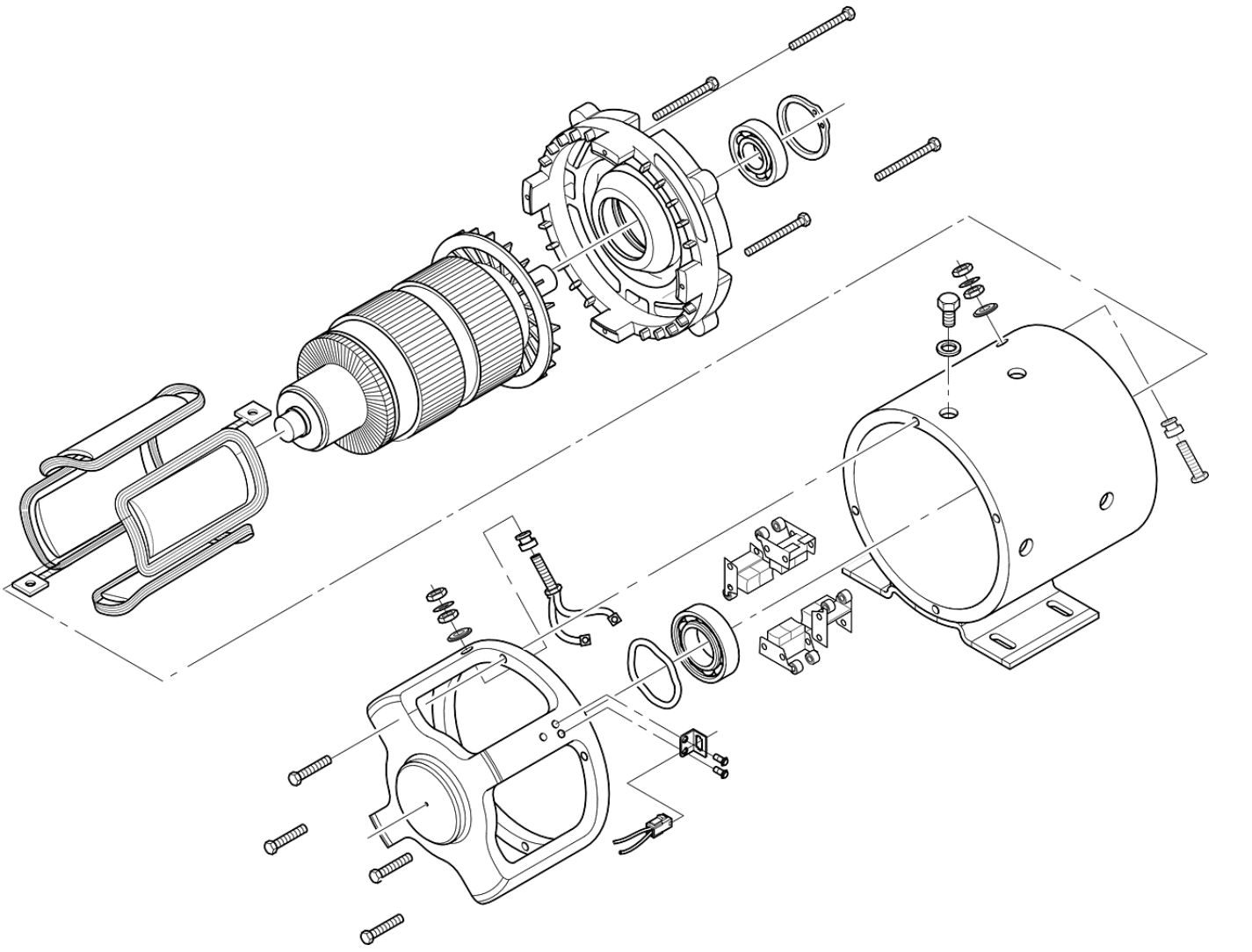
| Assembly information | STEP assembly, BOM and exploded view when needed | Clarifies mating features, hardware and functional interfaces |
| Special process notes | Drawing notes or specification document | Controls anodizing, plating, heat treatment, passivation, marking and packaging |
Best Practical Recommendation
For CNC machined metal and plastic parts, send a STEP file for the 3D model and a PDF drawing for manufacturing requirements. If the part is sheet metal or flat cut, include DXF files. If the project includes assemblies, include part files, assembly files, BOM information and exploded views. If the part has tight tolerances, threads, press fits, sealing surfaces or cosmetic requirements, never rely on the 3D model alone.
Milemetal can review STEP, IGES, DXF, DWG, PDF and common native CAD outputs for CNC machining quotation. Clear CAD files help reduce engineering questions, shorten lead time and improve first-piece accuracy.
Have CAD Files Ready for Review?
Send your STEP model, PDF drawing, quantity and material requirement. We can check manufacturability, tolerances and machining cost before production.